

Google has launched a new feature called AI Mode in its Search. This feature provides responses powered by artificial intelligence and allows users to ask follow-up questions and access useful web content through links.
AI Mode in Google Search is currently an experimental feature in Labs. It utilizes the advanced reasoning and multimodal capabilities of Gemini 2.5 to assist you with even your most challenging questions.
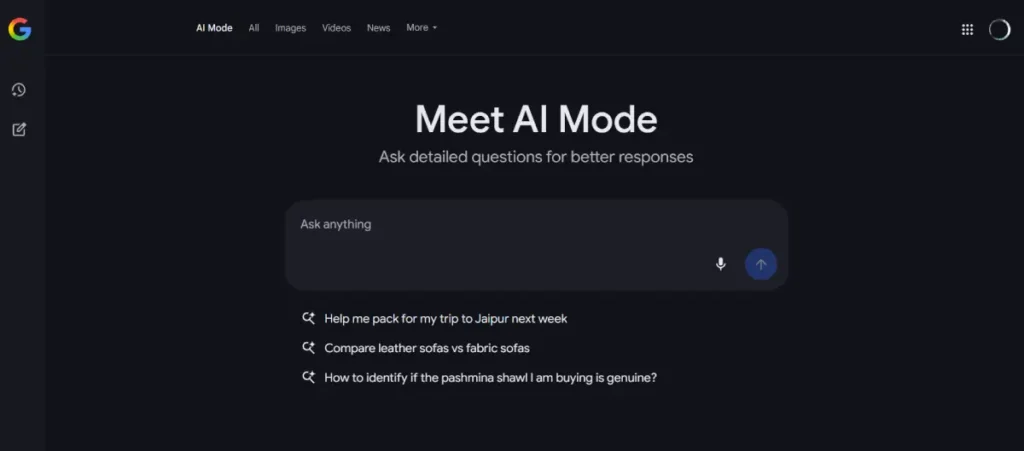
Let us know what Google AI Mode is, how it will be helpful in your searches, and how to use it.
What is Google AI Mode?
Currently available in the US and India, Google AI Mode is a new feature in Google Search that leverages artificial intelligence to enhance the search experience.
It is designed to provide users with more informative and contextually relevant responses to their queries.
Currently available as an experimental feature in Labs, AI Mode utilizes advanced reasoning and multimodal capabilities from Google’s Gemini 2.5 technology.
How to Use Google AI Mode in Search?
1. Open the Google Chrome browser on your computer or smartphone.
2. Go to labs.google.com or labs.google.com/search/experiment/22.
3. Find the option that says “Turn this experiment on or off” and switch it to the “on” position.
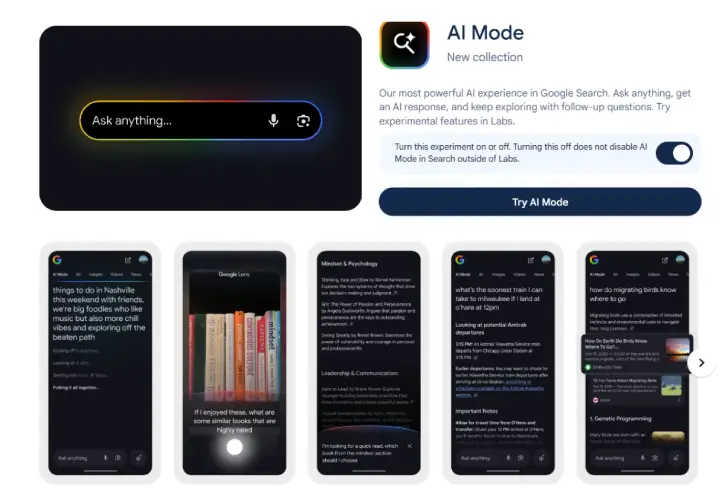
4. Click the “Try AI Mode” button. You can also open Google Search and click the “AI Mode” button there.
How is AI Mode Helpful?
AI-Powered Responses: AI Mode generates responses that are informed by a vast amount of data, allowing for more accurate and nuanced answers to user questions.
Follow-Up Questions: Users can engage in a conversational manner by asking follow-up questions, making it easier to explore topics in depth.
Multimodal Capabilities: The feature can process and integrate different types of information, such as text, images, and possibly other media, to provide a richer understanding of the query.
Helpful Links: AI Mode offers links to relevant web content, allowing users to access additional information and resources easily.
Assistance with Complex Queries: The advanced reasoning capabilities help users tackle more complex or challenging questions that may not have straightforward answers.
Conclusion:
AI Mode is a feature inside Google Search and it uses the Gemini AI Model to power its responses. Overall, this new feature aims to make searching more interactive and informative, enhancing the overall user experience.

