Skip to content
Infointech-logo

Infointech

Expert Tips, Tutorials, and Help for Windows, Android, and ChromeOS

  • Home
  • Tutorial
  • Windows
  • Gadgets
  • AI

Tag: Windows 11

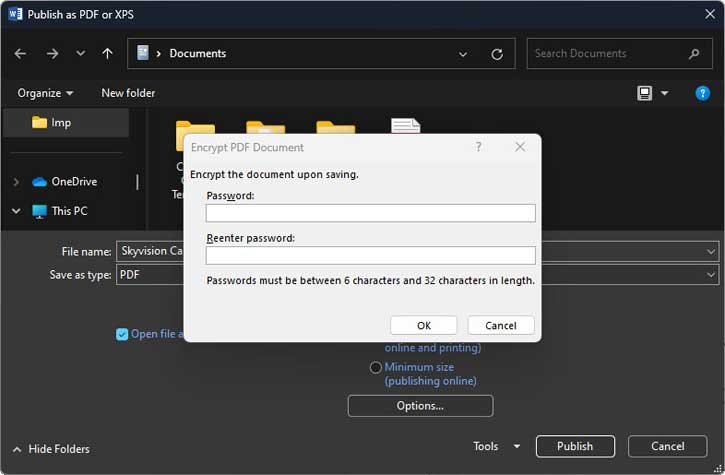
Password-protect-PDF-file-using-MS-Word-3
January 30, 2025 Tutorial

How to Password Protect PDF Files on Windows 11 Using Microsoft Word

Read Post
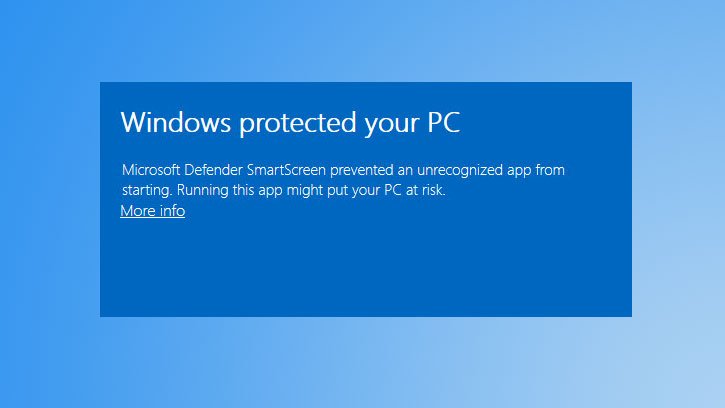
Windows-protect-app-installation
January 28, 2025 Windows

A Step-by-Step Guide to Install Apps from Unknown Publishers on Windows 11

Read Post
Windows-11-Notepad
January 27, 2025 Tutorial

Step-by-Step Guide: Enabling Spell Check and Autocorrect in Notepad

Read Post
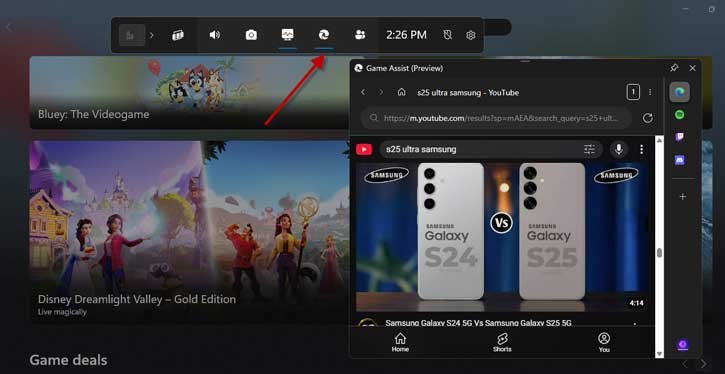
Game-Assist-feature-in-Microsoft-Edge
January 25, 2025 Tutorial

How to Add Game Assist Feature to Microsoft Edge and How to Use It in Windows 11

Read Post
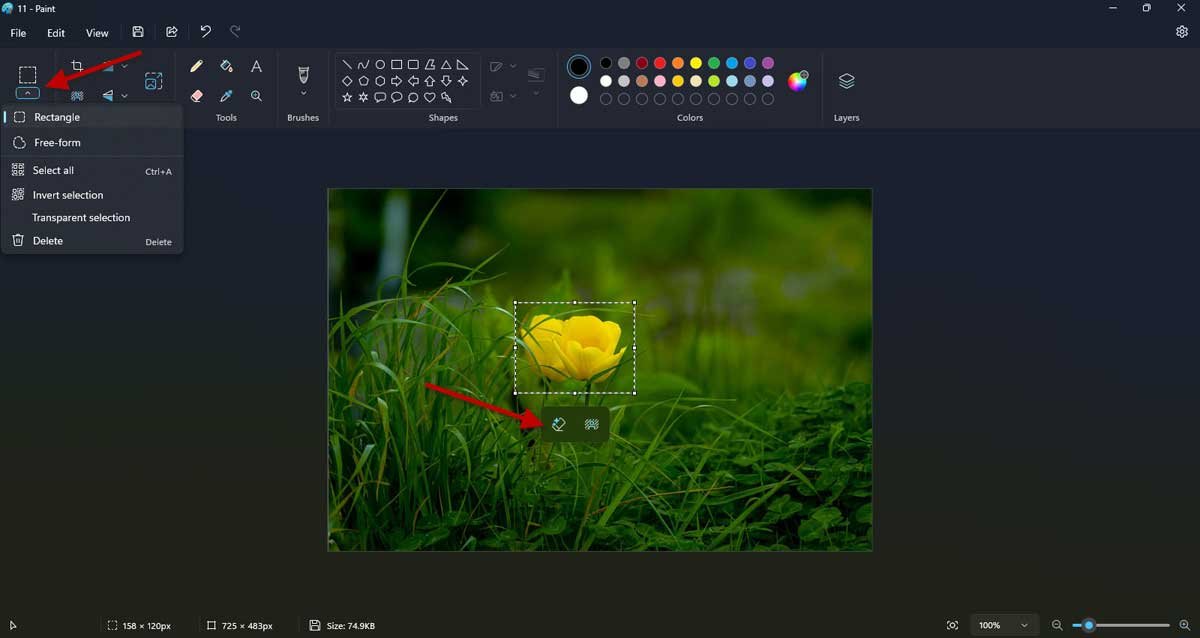
How-to-Use-Generative-Erase-AI-feature-of-MS-Paint
January 16, 2025 Tutorial / Windows

Steps To Use MS Paint Generative Erase AI To Remove Objects From Images

Read Post
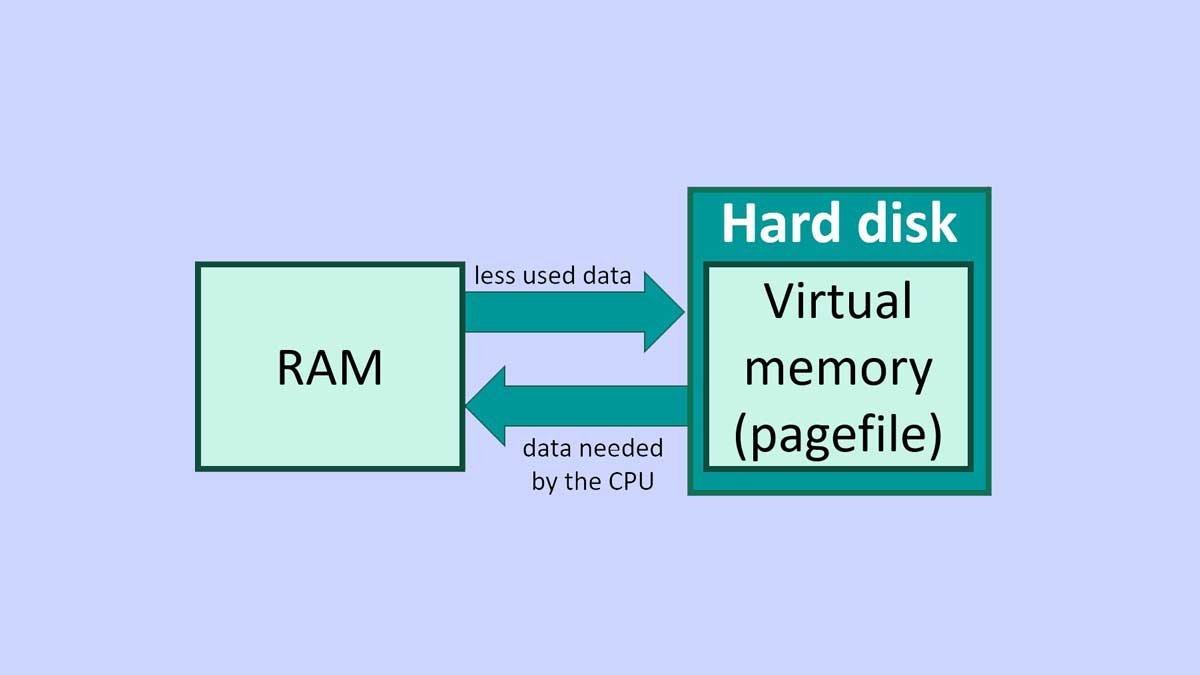
Manage-Virtual-Memory-in-Windows-11
January 13, 2025 Computer / Tutorial

How to Increase Virtual Memory in Windows 11 for Optimal Performance

Read Post
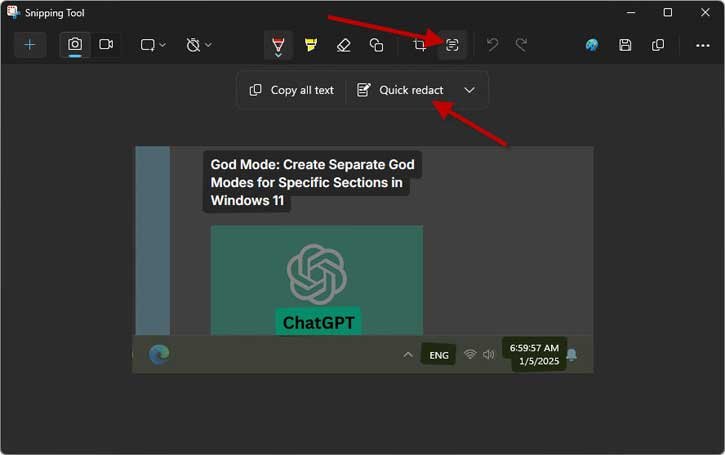
Redact-text-using-Snipping-Tool
January 5, 2025 Tutorial

Snipping Tool: How to Hide Text From Screenshots on Windows 11

Read Post
rebuild-icon-cache-in-windows-11--1
January 1, 2025 Computer

How to Rebuild Icon Cache File in Windows 11

Read Post
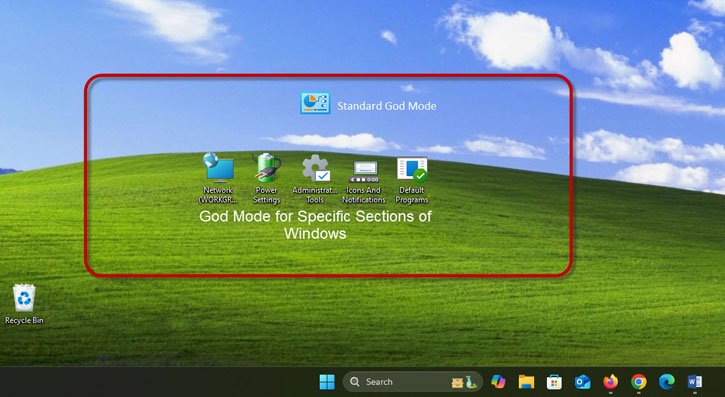
God-Mode-for-specific-sections-of-Windows
December 30, 2024 Computer / Tutorial / Windows

God Mode: Create Separate God Modes for Specific Sections in Windows 11

Read Post

Posts pagination

«Previous Posts 1 … 3 4 5 6 7 … 9 Next Posts»

Recent Posts

  • Windows 11 Version 26H1: What it Is, Who Gets It, and What You Need to Know
  • Enable Windows 11 Memory Compression: Free Up RAM Without Buying More
  • How to Remove the “All” Apps Section from the Windows 11 Start Menu
  • Dark Patterns in Windows 11- How to Control Them in 2026
  • How to Stop YouTube’s AI Auto-Dub and Watch Videos in the Original Language
  • About Us
  • Privacy Policy
  • Contact
  • Disclaimer
WordPress Theme: Maxwell by ThemeZee.