

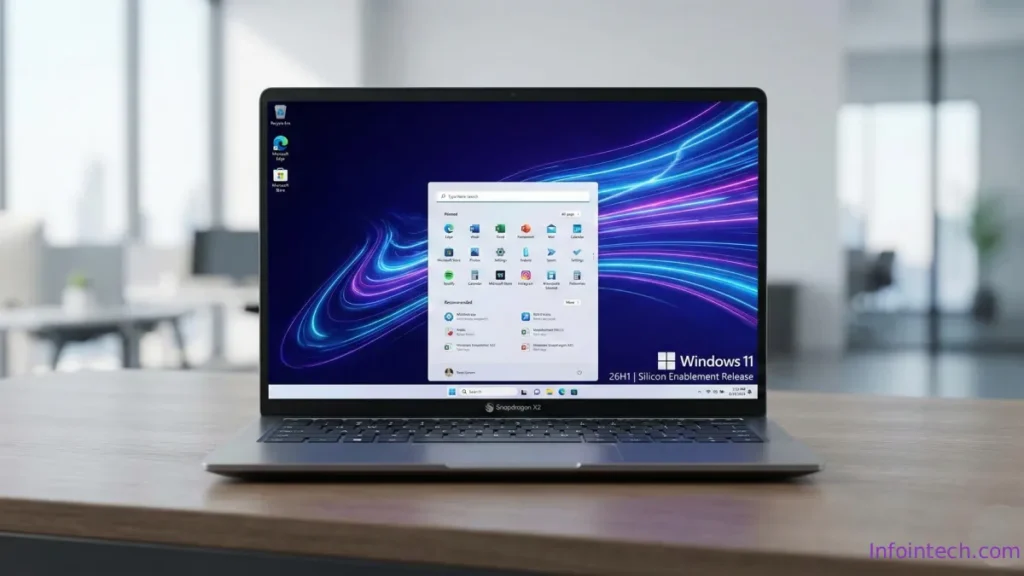
Microsoft quietly revealed Windows 11 Version 26H1 — a targeted platform release rather than the next broad feature update. Announced for select new devices on February 10, 2026, Version 26H1 introduces innovations tied to newer hardware but is not a general public upgrade. Here’s everything you need to know.
What is Version 26H1?
Version 26H1 is a device-targeted Windows 11 release created in partnership with OEMs and IHVs to enable new features on next‑generation hardware. Unlike ordinary annual feature updates, 26H1 is available only on specific devices certified by Microsoft and its partners.
Availability and eligibility
Release date: February 10, 2026.
Target devices: initially available on devices using Qualcomm Snapdragon® X2 Series processors and other partner hardware chosen by Microsoft.
Not publicly downloadable: Microsoft’s public download pages still offer Version 25H2 as the current release. 26H1 is delivered preinstalled on qualifying new devices or through OEM channels.
Upgrade and update behavior
Not an automatic feature update for existing systems. Devices running Windows 11 25H2 (or 24H2) will not automatically receive 26H1 as a feature update.
No direct in-place upgrade path from 24H2 or 25H2 to 26H1.
26H1 will receive security updates like other supported releases, but it runs on a different core version from 24H2/25H2.
Servicing, features, and limitations
26H1 will not receive the second-half 2026 feature update (likely 26H2) because of its different core platform.
Hotpatch updates are not supported for Windows 11 26H1.
Microsoft recommends enterprise customers continue using and standardizing on Windows 11 24H2 or 25H2 for broad deployments and compatibility.
Management and enterprise tools
Version 26H1 can be managed using standard Microsoft device-management solutions:
- Windows Autopatch
- Microsoft Intune
- Microsoft Configuration Manager
However, because 26H1 is a targeted release with a different core, enterprise rollouts should be considered carefully; Microsoft’s guidance remains to prefer 24H2 or 25H2 for most business environments.
What this means for users and IT teams
Consumers buying new qualified devices (e.g., Snapdragon X2) may see 26H1 preinstalled and benefit from hardware-enabled features.
Existing PCs will stay on the mainstream 25H2/24H2 track and will not get 26H1 via Windows Update.
IT teams should treat 26H1 as a special-case SKU for specific hardware rather than the next universal Windows 11 upgrade.
ALSO READ: Dark Patterns in Windows 11- How to Control Them in 2026
Conclusion
Windows 11 Version 26H1 is a targeted, hardware-focused release intended to surface innovations on new devices rather than a broad OS upgrade. If you manage enterprise fleets, stick with 24H2/25H2 for stability and predictable servicing; consumers should expect 26H1 only on qualifying new hardware.
If you have questions about specific devices or enterprise readiness, refer to Microsoft’s official announcement and OEM guidance for device eligibility and support details.

