
What is Developer Mode and How to Enable it on Windows 11
Developer Mode is a feature of that enables users to bypass standard system restrictions, allowing the installation of specific or unofficiaal applications on devices...
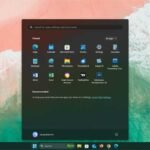
Enable Smaller Taskbar Buttons and Icons in Windows 11
If you find the large icons and buttons on your Windows 11 Taskbar boring or want to accommodate more items, Windows 11 now allows...
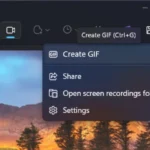
Activate and Create GIFs Using Snipping Tool on Windows 11
The Windows Snipping Tool now enables users to create animated GIFs, eliminating the need for third-party applications or online tools. This guide will explain...
Turn Off the ‘You’re Almost Done Setting Up Your PC’ Screen on Windows 11
Are you annoyed by the message "You're Almost Done Setting Up Your PC" that appears when you start or log into your Windows 11...
How to Install and Use Microsoft Edit App on Windows 11
Microsoft Edit is the new command-line interface (CLI) text editor available in Command Prompt and PowerShell. This lightweight editor in Windows 11 provides essential...
How to Run Old Apps and Games in Compatibility Mode on Windows 11
Compatibility Mode allows you to run old apps and games seamlessly on Windows 11. Compatibility issues can often arise with outdated software, but running...
How to See Startup and Shut Down History of a Windows 11 PC
Windows 11 keeps a log of startup and shut down events, which can help you see when the computer was started or shut down....
