

There are numerous premium AI chatbots/LLMs (Large Language Models) available, yet many are underappreciated. LLMs power AI chatbots like ChatGPT, Gemini, Grok and others. Here’s how you can test or explore all major LLMs for free from a centralized platform.
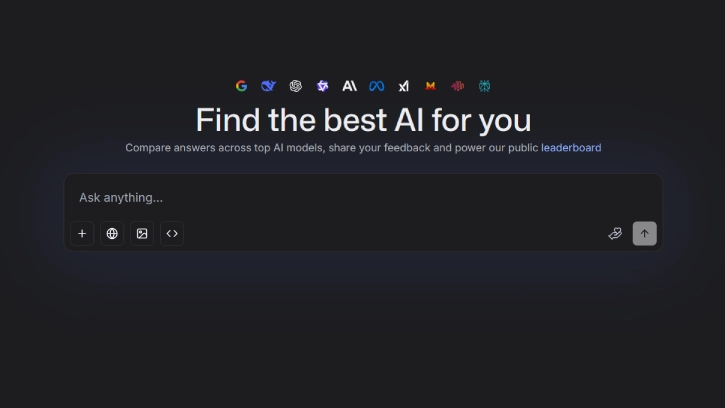
A centralized tool for accessing all major AI chatbots/LLMs would be highly advantageous. LMArena brings this concept to life by offering users free access to various LLMs on one convenient platform, simplifying our interaction with these powerful AI tools.
What is LMArena and How to Use it?
LMArena is a community-driven, open-access website designed for testing and ranking large language models (LLMs). It enables users to evaluate and compare different LLMs through straightforward head-to-head matchups.
For AI enthusiasts, LMArena offers a unique opportunity to test multiple LLMs for free. Users can engage with two anonymous AI models and vote for the one they find superior.
If ranking isn’t your goal, you can still use LMArena to explore premium LLMs/chatbots without any limitations. This feature allows users to experiment with various models freely, enhancing the overall experience.
LMArena offers free access to nearly all major models. Additionally, it features a unique advantage: you can view the LMArena Leaderboard to see which LLMs receive the highest votes.
How to Access Premium AI Chatbots for Free Using LMArena
1. Open the LMArena webpage in your browser.
2. You’ll see the LMArena interface where you can start battling AI models.
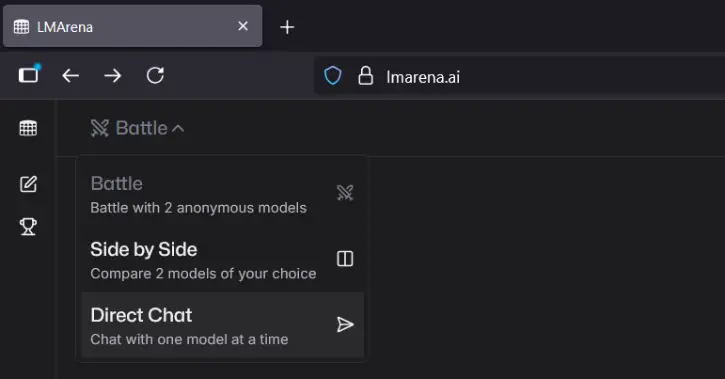
3. To chat instead, click the “Battle” drop-down at the top and select “Direct Chat.”
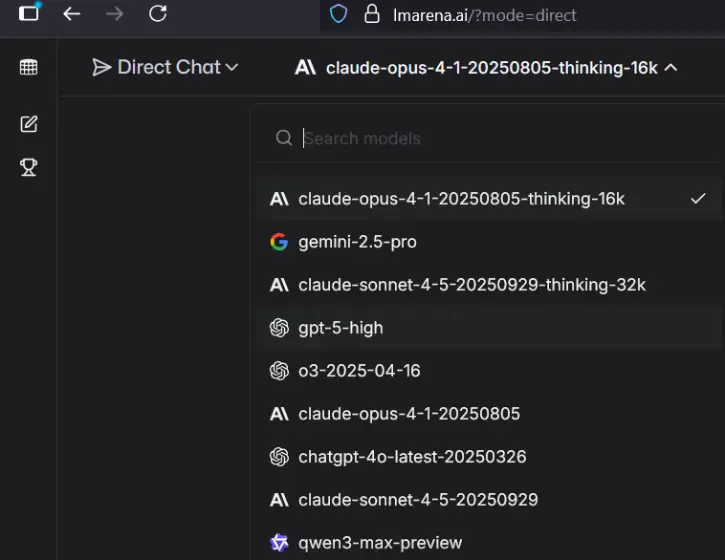
4. Choose your desired model from the “Models” drop-down menu.
5. To generate images, select the right mode, click on “Generate image,” describe the image you want, and press Enter.
How to Check LMArena Leaderboard?
LMArena allows you to view the leaderboard to compare how top models perform in various areas like text, image, vision, and more. Here is how to check it.
1. Visit the LMArena leaderboard webpage in your browser.
2. From the top bar, select categories like Text, WebDev, Vision, Text-to-Image, and Text-to-Video.
This guide details how to access and utilize leading Large Language Models (LLMs) at no cost, enabling you to explore and experiment with various powerful AI tools effortlessly.
Conclusion
LMArena is a community-driven, open-access platform that enables users to test and rank various Large Language Models (LLMs) like ChatGPT and Gemini. It provides free access to a wide array of LLMs, allowing AI enthusiasts to engage in head-to-head matchups between anonymous models and vote for their favorites.

